Saturday, April 25, 2009

Worksheet


It's a spreadsheet called worksheet in Microsoft Excel.

Workbook


A workbook is the rows and columns which you can insert data.

Range


group of cells.

Filling


The process if filling in data like using fill handle.

Fill Handle


It's when u drag a cell by holding it from the lower right corner. It then fills data like putting in dates in a schedual.

Cell Reference


It's where the column and row intersect.

Active Cell


A cell that is being used. Its border is highlited.

Tuesday, April 7, 2009

Window


the box that appears that covers the desktop.

Tool Bar


the part where there's icons to do certain tasks.

Title Bar


The title of the screen.

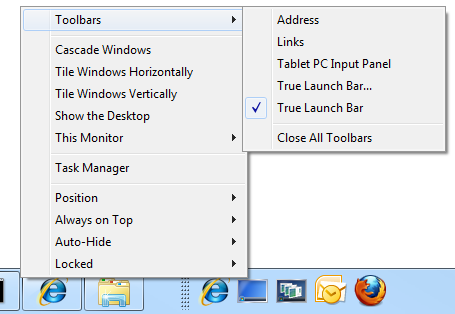
Task Bar


the tab in the lower part of the screen.

Scroll Bar


the bar that makes you scroll the page up or down.

Restore


to make the screen smaller when the screen is in full screen.

Monday, April 6, 2009

Pointing Device


device that helps the pointer in the computer move like a mouse.

Minimize


to make something or an image smaller.

Menu Bar


a menu that holds other menus.

Menu


its the little icon all the way in the bottom left to start finding files, folders, or programs.

Maximize


to make the image or screen bigger.

like this big head.

Icons


A small picture or image that represents a file or folder.

Folder


Something that stores files.

Desktop


screen that appears when you turn on your computer.

Friday, April 3, 2009

Accessibility Options

The best operating system for the disabled is MAC-OS. In my opinion, its a good operating system because it has accessibility options like voice recognition. Voice recognition is when the computer recognizes someones voice and follows the command it is giving such as opening a web browser. It also has braille for the blind who want to do plug and play. It also has spotlight technology which makes it easier for people to find files or folders. Apple also has closed captioning. This is why I consider MAC-OS the best for the disabled.